
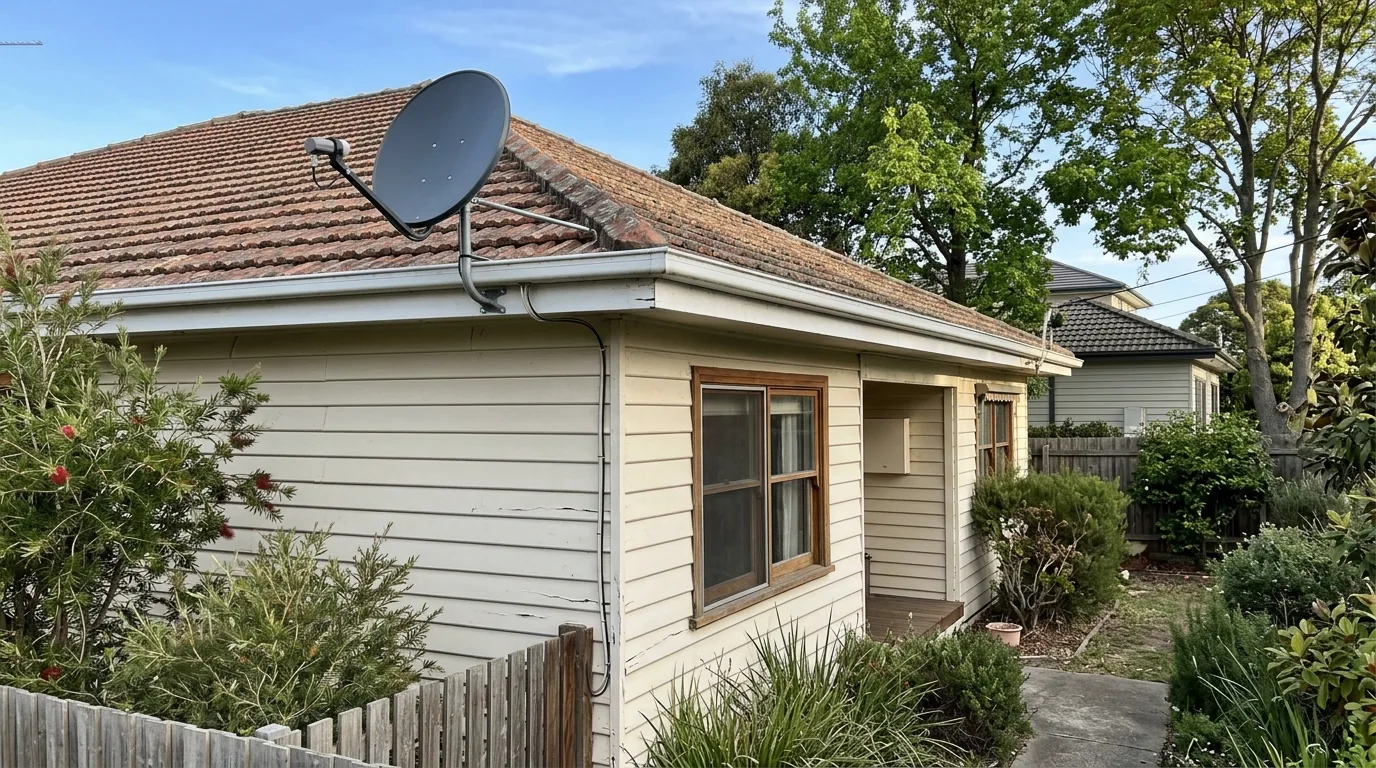
If you’ve booked in a Foxtel install and you’re not sure what to expect, that’s a fair question. The visit follows a fairly consistent sequence, though the exact time it takes depends on your roof, your existing cabling and where you want the box connected.
A typical Foxtel Installation Melbourne visit starts with a check of the property before any drilling or mounting happens. From there it moves through positioning, cable running, connecting the box and testing the picture. Here’s a breakdown of each stage so you know what’s happening and why.
Quick guide
The Foxtel installation visit
Site check of roof, eaves and existing cabling
Dish or connection point positioned for a clear signal path
Cable run into the property to the TV location
Foxtel box connected and powered up
Signal tested and channels checked on screen
Actual order and time on site depends on the property and existing cabling.
The initial site check
Before anything is mounted or drilled, the technician looks at where the signal needs to reach and how it will get there. That means checking the roofline, the eaves, and where any existing dish or cabling already sits.
On older homes there’s sometimes cabling left over from a previous Foxtel connection or an old satellite setup. This gets assessed to see whether it’s usable or whether a new run makes more sense. On newer builds there might already be a conduit or a designated point for pay TV, which can make the whole job quicker.
Why the site check matters
Getting this part right affects everything that follows. A dish or connection point in the wrong spot can mean a weaker signal, and a cable run that ignores the easiest path through the roof space can mean more work than necessary. This is also the stage where what to prepare before a Foxtel installation appointment becomes relevant, since having roof access and any relevant paperwork ready can make this part of the visit faster.
Positioning the dish or connection point
Foxtel can be delivered by satellite dish or through existing pay TV cabling, depending on how the property is set up and what’s available in your area. Where a dish is used, it needs a clear path with nothing blocking the signal, which is why the position sometimes isn’t exactly where a homeowner first expects.
If you’re also weighing up combining Foxtel with free-to-air channels, this is often the point where a technician will talk through how that works alongside a rooftop antenna setup, since the two systems can usually share the same TV outlet without much extra work.
Running the cable into the property
Once the dish or connection point is set, the cable has to get from that spot to your TV. On single-storey homes with roof access this is usually straightforward. On double-storey homes, or homes with limited roof space, it can take longer and sometimes needs a different route through the wall or ceiling.
If there’s already suitable cabling in the wall from a previous setup, it may be reused. If not, a new run is needed. This is one of the reasons the time on site can vary from one property to the next.
Connecting and testing the Foxtel box
With the cable in place, the Foxtel box gets connected and powered on. The technician checks the signal strength and works through the channels to confirm everything is coming through properly.
This stage is also where any existing signal issues in the property tend to show up. If you’ve had ongoing picture problems in the past, it’s worth reading up on the common causes of Foxtel signal problems beforehand, since some of those issues relate to things like cable condition or interference that are worth mentioning to the technician on the day.
What can extend the visit
A few things tend to add time to a straightforward install:
- Older or damaged cabling that needs replacing rather than reusing
- Roof spaces with limited or awkward access
- A dish position that needs adjusting because of trees or nearby structures
- Multiple TV points being connected in the same visit
None of these are unusual, but they’re worth knowing about so the process doesn’t feel like it’s taking longer than it should. If your property also has patchy Wi-Fi in the room where the Foxtel box sits, that’s a separate issue related to your home network rather than the Foxtel connection itself, and it’s sometimes worth having a chat about your internet setup or existing data points while the technician is already on site.
After the visit
Once the box is connected and tested, you should be able to see live channels and access the guide straight away. If anything looks off, such as a channel not loading or the picture cutting in and out, it’s worth raising it on the day rather than after the technician has left, since adjustments are usually quicker to make while the equipment is already set up.