
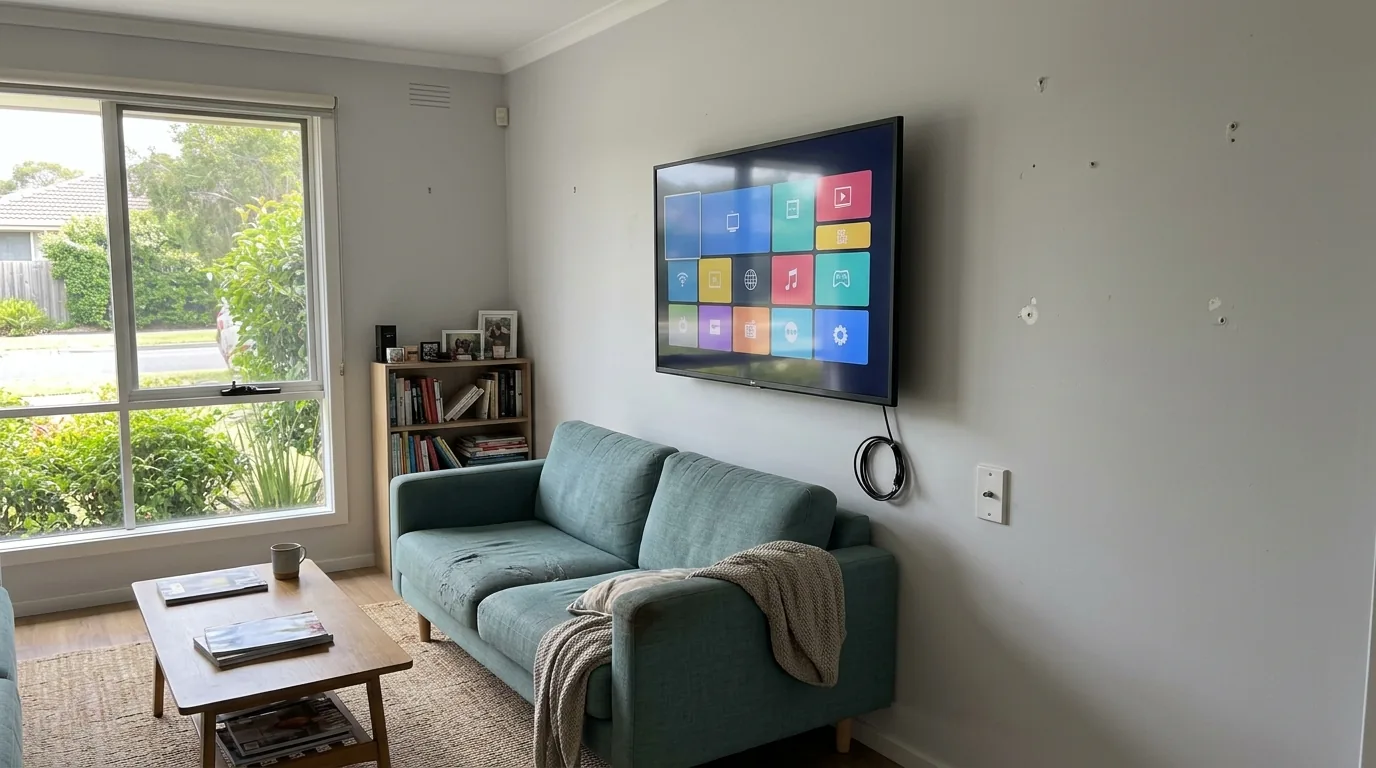
Short answer: yes, in most cases. A smart TV’s built-in apps and a free-to-air antenna do two different jobs, and having one doesn’t remove the need for the other.
Smart TVs are designed to connect to the internet and run streaming apps. That’s a genuinely useful feature. But it’s separate from how the TV receives free-to-air channels like the ABC, SBS, Seven, Nine and Ten. Those channels are broadcast over the air, not streamed, and the TV needs an aerial signal to pick them up.
Quick guide
Smart TV and antenna roles
Need a working internet connection. Give you subscription libraries and catch-up TV. Don’t carry live free-to-air channels unless the app is built for it.
Delivers free-to-air channels directly to the TV. Works with no internet at all. Picture quality depends on the aerial, cabling and local signal conditions.
Use both. Streaming for on-demand shows, antenna for live news, sport and free-to-air channels the household already watches.
A smart TV’s apps and an aerial do two separate jobs. One doesn’t replace the other.
What a smart TV’s internet connection actually does
A smart TV connects to your home Wi-Fi or an ethernet cable so you can open apps like Netflix, Stan, YouTube or the ABC iview app. These apps pull content over the internet, the same way a phone or laptop does. If your internet connection drops out, so does the app.
Streaming apps also don’t carry every channel. Some free-to-air networks have catch-up apps for specific shows, but that’s not the same as live broadcast television. If you want to watch the news as it happens, or flick through channels the way you always have, you still need a broadcast signal.
What the antenna still does
An antenna picks up the free-to-air signal broadcast from a transmission tower and sends it to the TV through a coaxial cable, usually via a wall point. This works completely independently of the internet. No broadband, no Wi-Fi, no data allowance involved.
This matters more than people expect. If the internet goes down during a storm, or a household is on a limited data plan, or someone just wants to watch live sport without buffering, the antenna keeps working. It’s a separate system from the smart features, and it needs its own signal path to function properly.
Why the picture still depends on the aerial itself
Buying a newer, smarter TV doesn’t improve reception. If the aerial is old, corroded, poorly aligned or was installed for analog TV years ago, the smart TV will still show the same dropouts and pixelation as an older set. The TV’s tuner can only work with the signal it’s given.
Do you actually need both?
Whether you need an active antenna connection depends on how the household actually watches TV.
- If everyone streams everything and nobody watches live free-to-air channels, the antenna becomes less important.
- If anyone watches live news, sport or free-to-air shows, the antenna is still doing real work.
- If the internet connection is unreliable, patchy, or capped, the antenna is a genuine backup that doesn’t rely on broadband at all.
Some households genuinely don’t need an antenna anymore. Most still do, even if they don’t think about it because it’s just quietly working in the background.
Where reception problems come from
If a smart TV’s streaming apps work fine but the free-to-air channels are patchy or keep dropping out, that’s a sign the issue sits with the antenna system, not the TV itself. It could be the aerial, the cabling, a splitter, or interference affecting the signal on its way to the wall point. For anyone getting a clearer picture of why digital TV reception drops out in Melbourne homes, it’s worth separating that from anything to do with streaming or internet speed, since the two problems have completely different causes and fixes.
When reception issues do come down to the aerial itself, whether that’s age, damage, wrong alignment or a system that was never set up correctly for the property, getting the underlying setup checked through a proper antenna installation assessment is usually more useful than swapping TVs or restarting the router.
What this means for a new TV purchase
If you’re buying a new smart TV, it will almost certainly have an aerial input on the back, even though the box and marketing focus heavily on streaming and apps. That input still matters if you want live free-to-air channels. It’s worth checking the TV has a built-in tuner suited to the current digital broadcast standard used in Australia, since not every smart TV sold here is set up the same way for local reception.
A quick way to think about it
Streaming apps are about choice and on-demand content, and they depend entirely on your internet connection staying up. The antenna is about live, free broadcast television that works regardless of what’s happening with your broadband. A smart TV combines both, but it doesn’t merge them into one system. They’re still separate, and problems with one rarely explain problems with the other.
If your household also relies heavily on Wi-Fi for the streaming side of things and the connection itself is inconsistent around the TV, that’s a separate issue again, and one that’s more about coverage than broadcast reception. In that case, looking at the home’s Wi-Fi setup is the more relevant fix, rather than anything to do with the antenna.